
Most gyms charge a small one-off fee when a member joins — for the card, the induction, or just to signal it’s a real commitment. Fytlink handles this as a separate line called the admission fee: set once, applies to every new member, skip it per-person when you want.
This guide is short — three taps to set it, one checkbox to skip.
Section 1 — Set the amount
Open Profile
From Home, tap your avatar in the top-right. That opens Profile.
Tap Admission fee
Scroll to the Settings section. The row is labelled Admission fee with a subtitle showing the current amount (or Not charged if you’ve never set one).
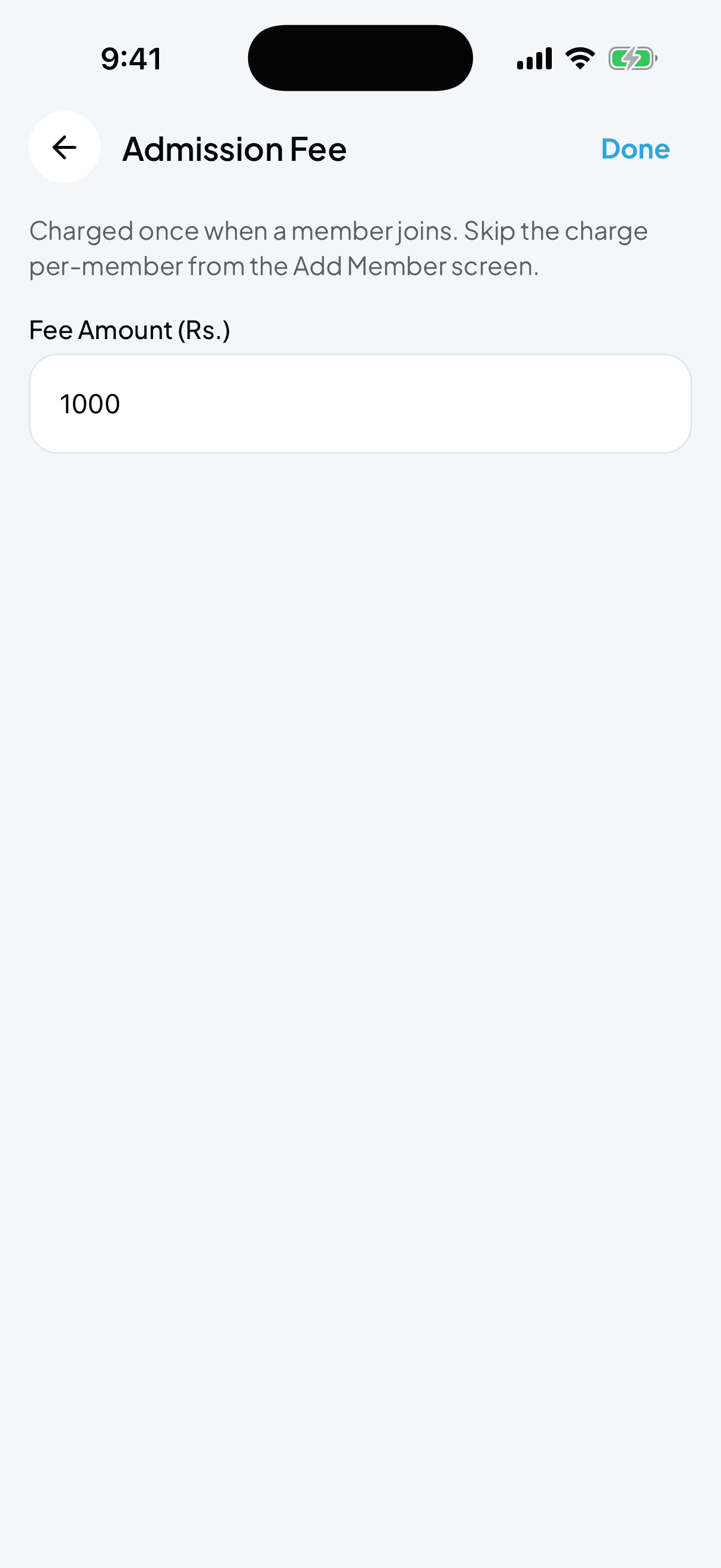
Enter the amount
The Fee Amount (Rs.) field takes any number. 500 is common. Set it to 0 to turn it off entirely.
Tap Done
Done is in the top-right. That’s it — the new amount applies to every member you add from now on.
Section 2 — Skip it for one specific member
Say you charge Rs. 500 across the board but you’re waiving it for a family member or an old friend. You don’t need to change the global setting — skip it just for them.
Add the member as usual
Home → Member quick action → fill in name, phone, plan.
Tick “Skip admission fee”
On the Add Member screen, look for the Skip admission fee checkbox before you save. Ticking it means this one member joins without the charge — the fee is not added to their ledger.
Save
Tap Done. Everything else about the member is the same as usual.
Section 3 — What if I set it up wrong?
You can adjust the amount any time from the same screen. Changes only affect new members added after the change — nobody who already joined gets an extra charge, and nobody who already paid gets a refund. If you need to reverse a bad admission charge, void the transaction (see How to track payments → Fix a mistake).
Common questions
Does the admission fee show up on the dashboard donut? Yes — it lands on the member’s ledger like any other charge. So it counts as Outstanding until they pay and Collected once they do.
Can I have a different admission fee per plan? Not directly — the admission fee is a single global amount. If you want a "Yearly plan waives the admission fee", tick Skip admission fee when adding those members.
Do renewals get charged the admission fee again? No. Only new members joining for the first time. Renewals only charge the plan price.
What if I charge Rs. 500 today and want to raise it to Rs. 1000 next month? Just come back to Profile → Admission fee, change the amount, tap Done. Members added before the change still owe (or already paid) Rs. 500; members added after pay Rs. 1000.
Where do I see admission fee charges in the ledger? On a member’s Transactions screen, admission fees show as their own row labelled Admission Fee. If you skipped it for someone, they’ll simply have no such row.
Keep reading
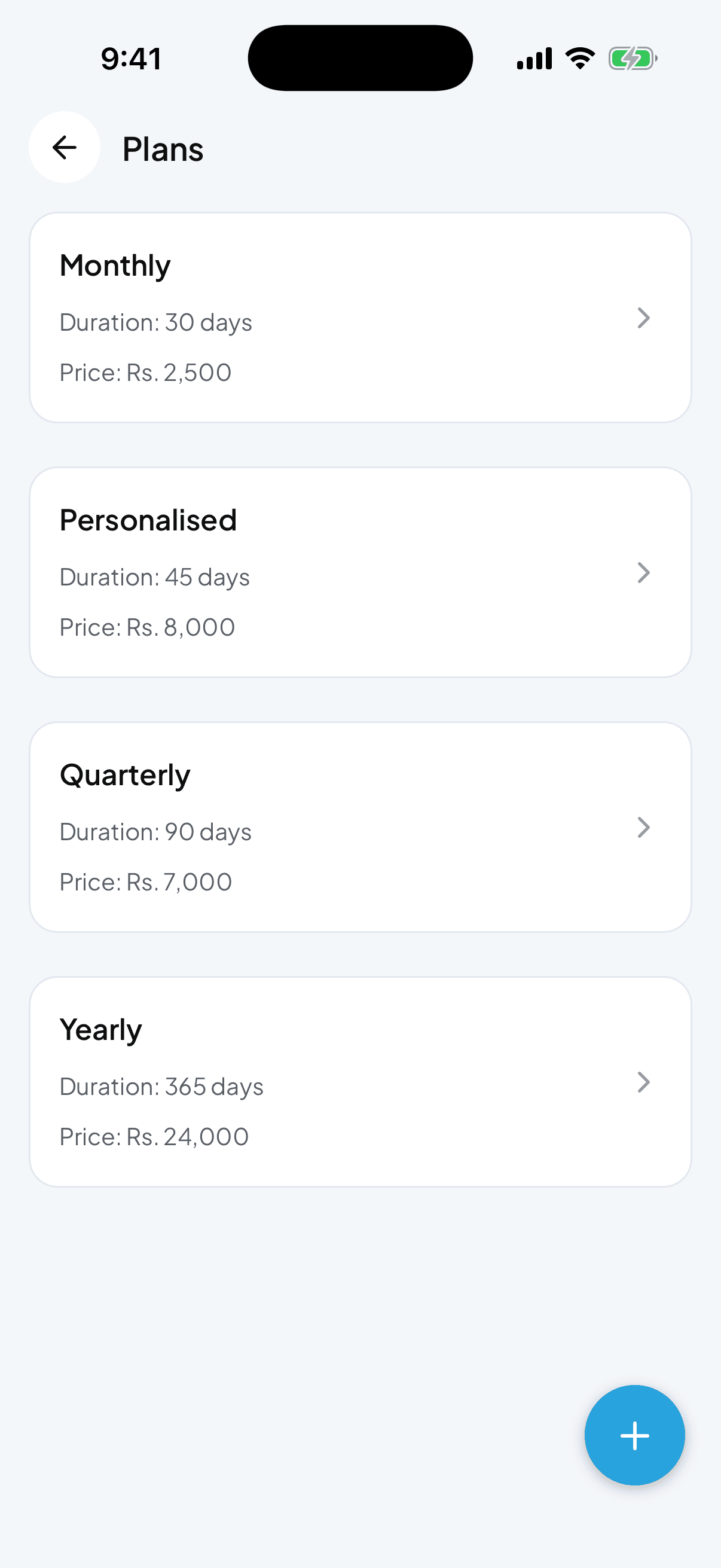
How to create and manage membership plans
Plans are how Fytlink knows what to charge each member and when they expire. Set up your monthly, quarterly, and yearly plans in a couple of minutes.
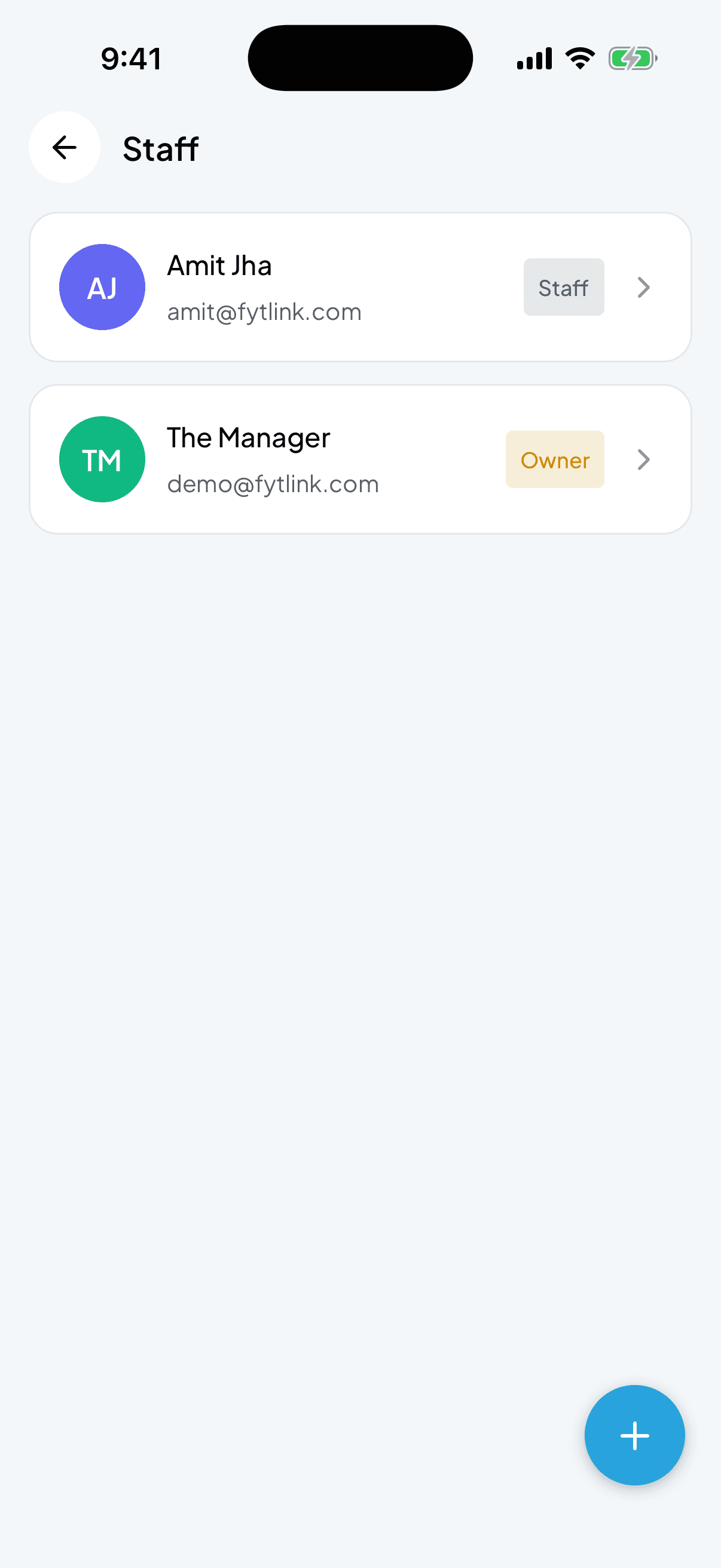
How to add and manage staff
Give your trainers or floor staff their own login so they can add members, collect payments, and mark attendance — without seeing everything you do as the owner.
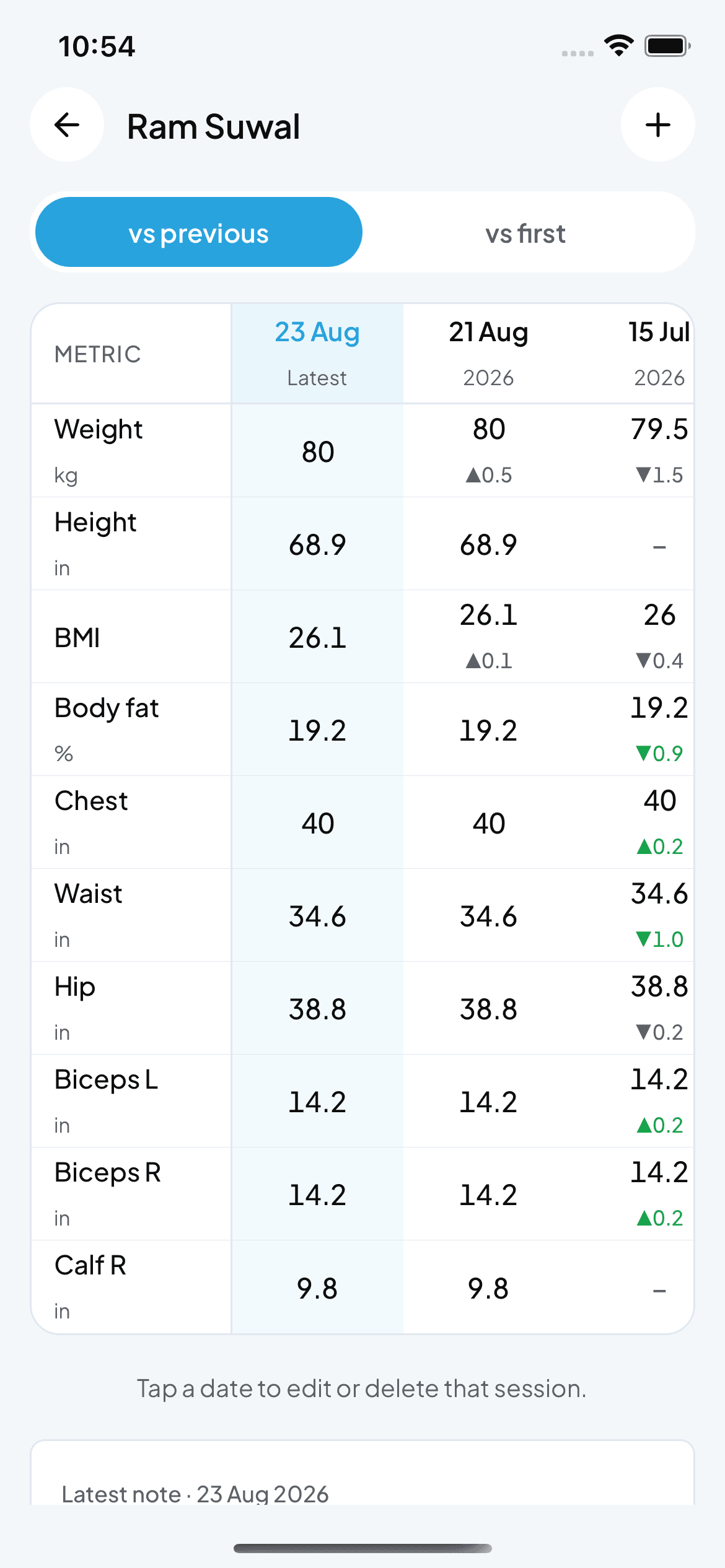
How to record and read body measurements
Fytlink tracks weight, tape and caliper readings per member as dated sessions. This guide walks through recording a session, reading the change grid, picking your unit system, and fixing bad entries.